Go To start Menu and click Run
Then type: gpedit.msc
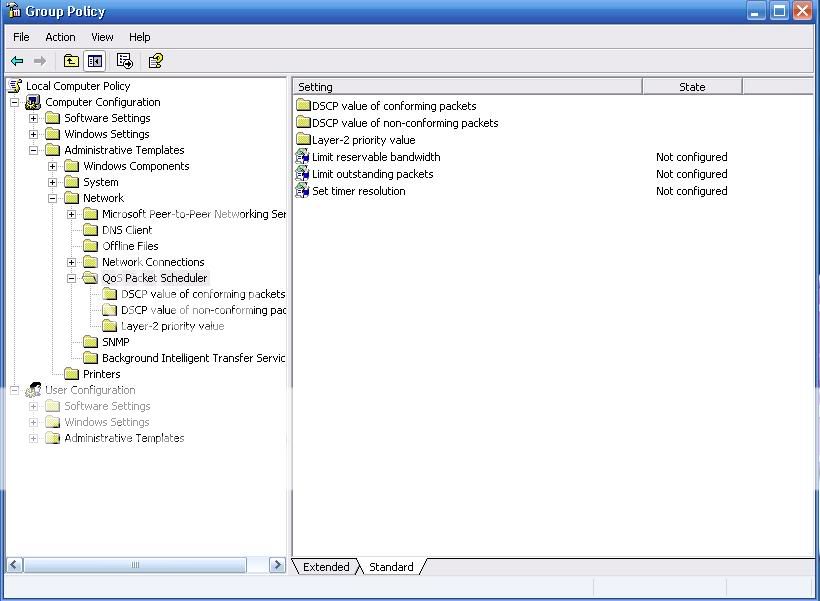
Then Follow wat is in above pic:
Computer Configuration>Administrative Templates>Network>QoS Packet Scheduler
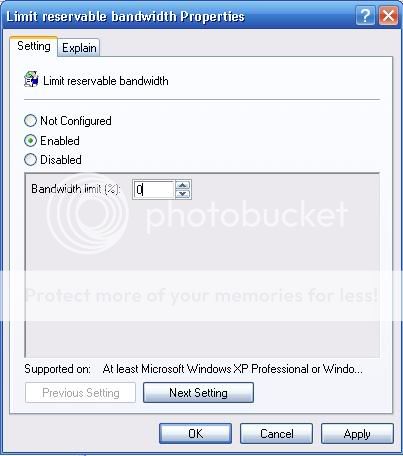
Click the Limit reservable Bandwidth on the right side and there will be a window
open like this one bellow and set the bandwidth limit to 0
then click ok
Next GO to network connection
and click your connection to view connection settings
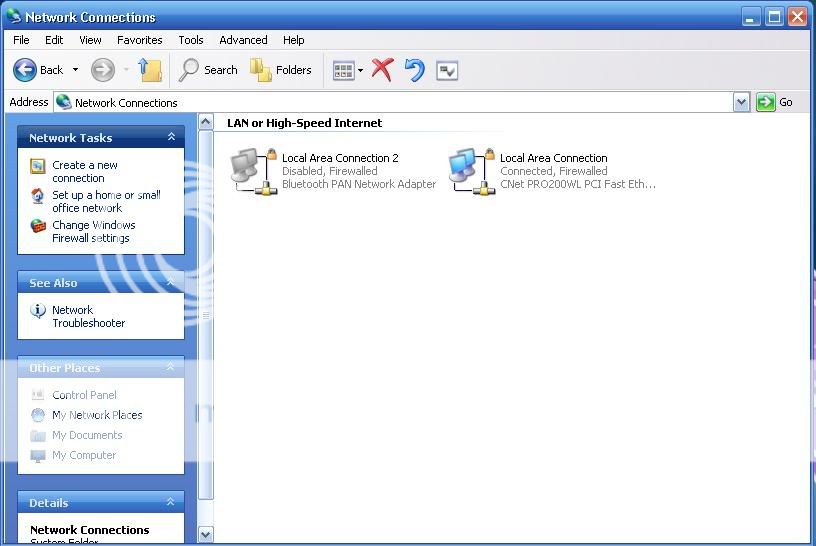
On the Network Connection settings
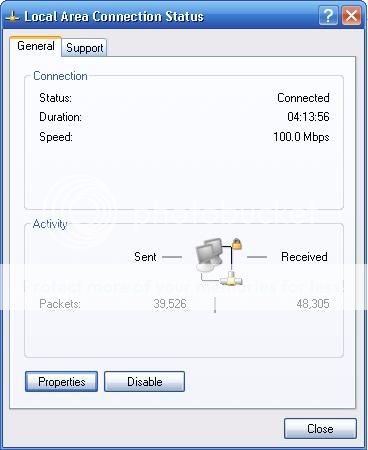 Click the Properties Button Bellow
On the Properties
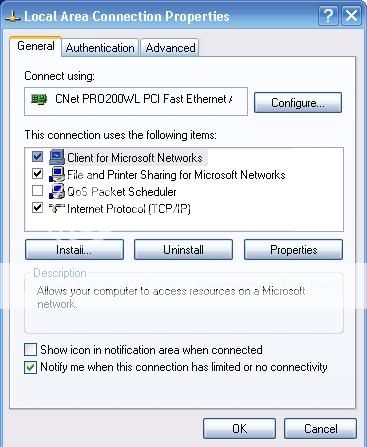 Uncheck the QoS Packet Scheduler Click OK
Enjoy....

No comments:
Post a Comment